
PMS and Online Check-in Integration Guide for Accommodations
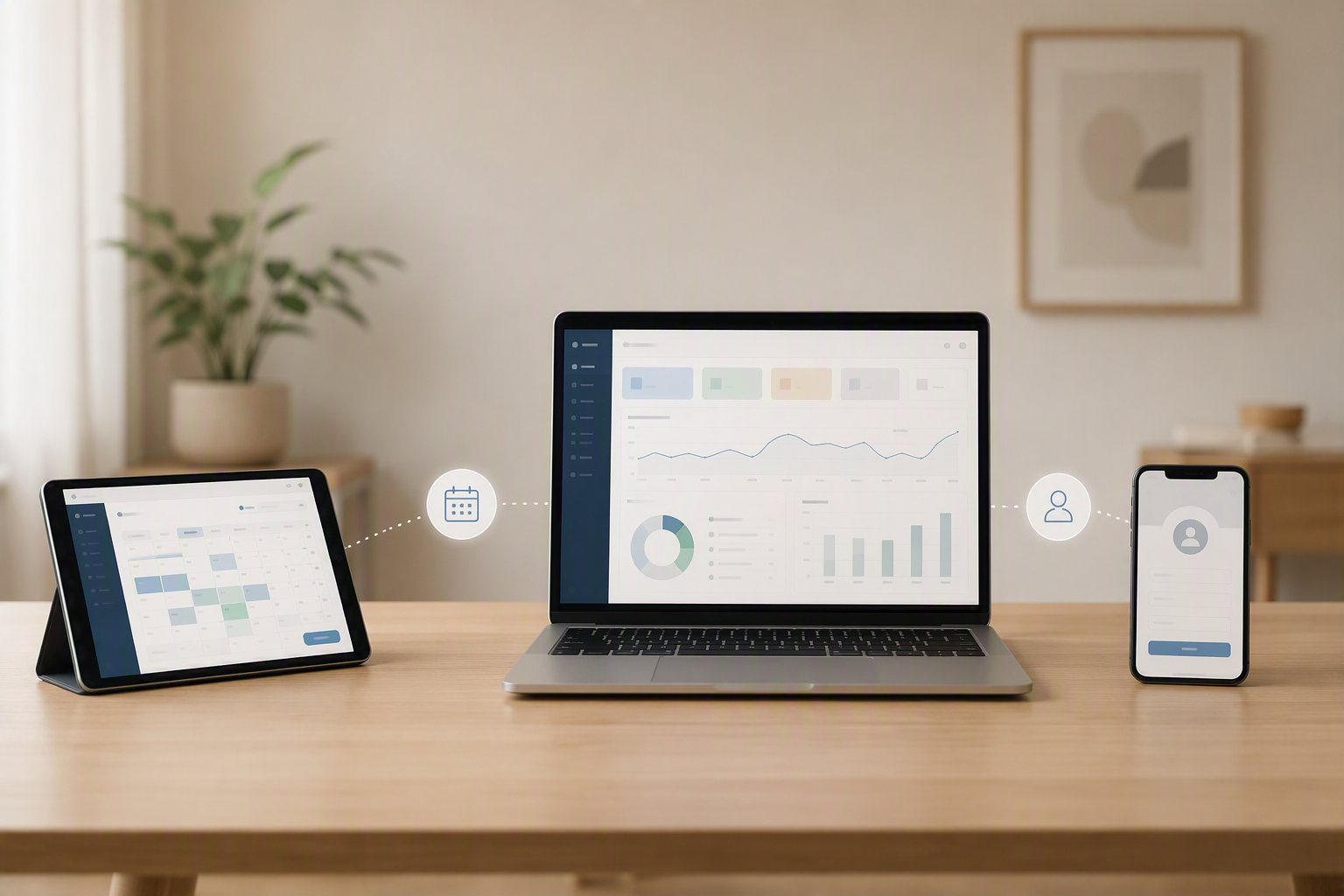
The Evolution of Tourist Accommodation Management: The Automation Imperative
In the highly competitive holiday let and hospitality sector, operational efficiency is no longer just an optional strategy for growth; it is a critical necessity for business survival, scalability, and long-term profitability. Property owners, vacation rental managers, and boutique hotel operators face the daily challenge of coordinating multiple high-stakes tasks: from attracting high-value guests on various online travel agencies (OTAs) like Airbnb, Booking.com, and VRBO, to managing cleaning schedules, property maintenance, and, of course, navigating the complex web of legal registrations for international and domestic travellers.
Historically, these processes were managed manually, on paper, or through fragmented, siloed tools that did not communicate with each other. This lack of operational cohesion often translated into human error, double bookings, delays in guest check-ins, administrative bottlenecks, and a suffocating burden of repetitive tasks. Today, the ultimate technological solution to these challenges lies in the perfect, seamless union of two key tools: the PMS (Property Management System) and the digital guest registration system.
In this technical and strategic guide, we will analyse in depth how to connect both platforms to automate your accommodation's entire workflow, guarantee effortless regulatory compliance, and elevate the guest experience to a modern, friction-free standard. Whether you manage a single luxury villa or a portfolio of hundreds of urban apartments, understanding this integration is the key to scaling your business sustainably.
What is a PMS and Why Must It Connect with Online Check-In?
To truly understand the immense value of this technological synergy, we must first clearly define the role that each software plays within the modern technological ecosystem of tourist accommodation management.
Understanding the Property Management System (PMS)
The PMS (Property Management System) is the operational brain and central command center of your hospitality business. It is responsible for centralising rates, controlling room or property availability across multiple sales channels, managing the master booking calendar, and, in many cases, coordinating invoicing, guest messaging, and housekeeping schedules. It is the central database where all the transactional, financial, and operational information of your activity resides.
The Role of Digital Guest Registration
On the other hand, the online check-in system is the specialized tool designed for front-end interaction with the guest before their physical arrival at the property. Its primary functions include:
- Collecting travellers' verified identity data (passports, national ID cards).
- Obtaining legally binding digital signatures on accommodation contracts or house rules.
- Performing secure identity verification through advanced biometric face-matching technology.
- Calculating, collecting, and processing tourist taxes dynamically based on guest age and length of stay.
- Upselling extra services (early check-in, late check-out, airport transfers, breakfast baskets).
The Cost of Siloed Systems: The Manual Data Bridge
What happens when these two critical tools are not integrated? An information vacuum is created, forcing the property manager or front-desk staff to act as a manual, highly inefficient bridge. This disconnected workflow results in:
- Manually copying and pasting guest booking details from the PMS to the registration system.
- Sending individual, non-automated emails or WhatsApp messages to each guest requesting their documentation.
- Manually updating the booking status in the PMS (for example, constantly checking if a guest has uploaded their ID and marking the reservation as "documentation completed" or "ready for arrival").
- Manually exporting guest data files and uploading them to national police databases, civil registries, or municipal authorities.
An Integration via API (Application Programming Interface) completely eliminates this manual work. It allows your PMS and your digital registration system to communicate in real time, sharing instant updates on the status of each booking, guest details, and check-in completion without a single click from your team.
Benefits of Strategic Integration in Tourist Accommodations
Linking your management software with an automated digital registration system is not just a simple software upgrade; it is a strategic business decision that fundamentally transforms your operations, reduces overhead costs, and significantly increases your property's net value.
1. Elimination of Operational Errors and Double Bookings
Human error is inevitable when data is entered manually on a large scale. An incorrect digit in a guest's passport number, a mistranscribed date of birth, or an overlooked check-out date can lead to serious administrative penalties, invalid insurance coverage, or operational chaos. By automating data transfer directly from the passport scanned by the guest's mobile camera to the PMS database, the risk of human transcription error is reduced to absolute zero.
2. Automated and Frictionless Legal Compliance
In countries like Spain, Italy, Portugal, and France, traveller registration regulations are extremely strict and carry severe financial penalties for non-compliance. For example, Spain's Royal Decree 933/2021 requires the detailed collection of guest data and its immediate transmission to the competent authorities within a strict timeframe. Carrying out this process manually for dozens of weekly bookings across multiple properties is logistically unsustainable.
Through an integrated automated check-in system, validated guest data is captured securely, formatted automatically, and sent directly to the official platform (such as SES.HOSPEDAJES, Webpol, or Guardia Civil) without the owner or manager having to intervene in the process. This guarantees 100% compliance with local laws, protects your operating licenses, and avoids crippling fines.
3. Drastic Reduction in Management Time and Labor Costs
The time previously spent sending reminder emails, verifying identities via WhatsApp, filing signed paper contracts, and manually registering guests is reduced by up to 95%. The integrated system works silently in the background 24 hours a day, 7 days a week, 365 days a year. This frees up your staff to focus on high-value, revenue-generating tasks, such as personalized customer service, local experience curation, or dynamic revenue management strategies.
4. Substantial Improvement in Guest Experience
The modern traveler values immediacy, autonomy, and speed. Arriving at a holiday apartment after a long, exhausting journey and having to wait for the host to arrive, or standing in a long queue at a hotel reception desk to have documents manually photocopied, is an outdated, friction-filled experience. Digital registration allows guests to complete the entire process comfortably from their mobile phone or tablet before they even leave home. Upon arrival at the property, they can gain direct, instant access using numeric keypads, smart locks, or digital keys.
Step-by-Step Guide: Integrating Your PMS with an Online Check-In System
Setting up this integration might seem like a complex technical challenge, but by following a structured, step-by-step methodology, the process becomes a smooth, secure, and highly rewarding transition.
Phase 1: Software Compatibility Assessment
Before purchasing any new software or signing long-term contracts, it is essential to verify that your current PMS and the digital registration software you wish to implement have a native integration or, failing that, an open, well-documented API that allows for custom development.
Native integrations are always the preferred option, as they have been thoroughly built, tested, and maintained by the developers of both platforms. They are usually configured in a few clicks using a credentials system, webhook URLs, or secure API keys.
Phase 2: API Configuration and Data Mapping
Once compatibility is confirmed, the next step is to connect the systems. This usually requires generating an API key (a secure digital password that allows software to talk to other software) in your PMS, which is then copied and entered into the digital registration system's control panel.
During this process, "data mapping" is performed. This means defining which PMS information fields correspond to those in the registration system. For example, the guest_name field in the PMS must be linked exactly to the first name field in the registration form to prevent information from being saved in the wrong place or causing database errors.
Phase 3: Achieving Two-Way Booking Synchronisation
With the secure connection established, the systems must start exchanging data dynamically. At this point, it is crucial to have a tool that allows two-way booking synchronisation. This means that when a new booking is confirmed from any sales channel (such as Airbnb, Booking.com, VRBO, or your own direct booking website), the PMS detects it immediately and sends an instant signal to the registration system to initiate the contact, verification, and check-in protocol with the guest.
Phase 4: Configuring Intelligent Communication Triggers
For automation to be fully effective, you must define the exact moments when the system will interact with the guest. These automated events are known as "triggers" or "workflows":
- Confirmation Trigger: Activated immediately after the booking is confirmed in the PMS. It sends an automated email, SMS, or WhatsApp message to the guest with a personalized link to the online registration form.
- Reminder Trigger: If the guest has not completed the registration 3 days (or 24 hours) before arrival, the system sends an automatic, friendly reminder with the registration link.
- Access Trigger: Once the registration system validates that the identity is correct, the contract is signed, and the tourist tax is paid, it sends an automated order to the PMS (or directly to your smart lock system) to generate and send the digital door opening codes to the guest.
Phase 5: Stress-Testing the Automation Flow
Never launch the system to the public without thorough testing. Create dummy bookings in your PMS and verify the entire workflow from start to finish:
- Check if the registration invitation email arrives correctly and is formatted beautifully on both desktop and mobile devices.
- Complete the form using test data and upload sample images of identification documents.
- Verify that the entered data is correctly reflected in the booking details within your PMS database.
- Ensure that the booking status automatically changes to "Completed" or "Ready for check-in" inside your PMS.
The Technical Backbone: REST APIs, Webhooks, and JSON Payloads
For property managers, IT directors, and tech-savvy hosts who want to understand the underlying technology, it is useful to analyse how data travels securely between different cloud servers. Most modern integrations are based on two main technologies: RESTful APIs and Webhooks.
A REST API acts like an interactive menu of options that one software offers to another. For example, the digital registration system can "ask" the PMS: "Do you have any new bookings for property X today?". This method is known as active querying or polling. While functional, it is highly inefficient because it consumes server resources checking for updates even when there are none.
The most efficient, modern, and industry-standard method is using Webhooks. A webhook is an instant, event-driven notification system. Instead of the registration system constantly asking if there are updates, the PMS itself sends a data packet (payload) in JSON format to the registration system at the exact millisecond a booking is created, modified, or cancelled.
Here is an example of a standard Webhook payload in JSON format sent from a PMS to a digital guest registration system:
{
  "event": "reservation.created",
  "data": {
    "reservation_id": "123456",
    "property_id": "9876",
    "check_in": "2026-05-15",
    "check_out": "2026-05-20",
    "guest_name": "John Doe",
    "guest_email": "[email protected]",
    "guest_phone": "+34600000000",
    "adults": 2,
    "children": 1
  }
}
This level of instant, real-time communication ensures there are no time lags, preventing a guest from receiving outdated arrival instructions if they have cancelled, modified, or rescheduled their stay at the last minute.
The Role of Smart Locks: Closing the Loop of Keyless Entry
While connecting your PMS to your online check-in system solves the administrative and legal challenges of guest management, integrating smart locks (keyless entry systems) into this ecosystem completes the circle of total automation.
When a guest completes their digital registration, signs the rental agreement, and passes identity verification, the check-in system communicates this milestone to the PMS. The PMS, in turn, triggers an API call to your smart lock provider (such as Nuki, Tedee, Yale, or Salto). The smart lock system automatically generates a unique, time-sensitive access code or digital key that is only valid for the exact duration of the guest's stay.
This integration offers massive operational advantages:
- No physical key handovers: Eliminates the need for staff or greeters to wait at the property for late-arriving guests, saving thousands of euros in late-night check-in fees.
- Enhanced security: Digital codes expire automatically at check-out time, preventing unauthorized access by past guests, cleaning staff, or third parties outside of scheduled hours.
- Complete transparency: Managers can track exactly what time guests and cleaning teams enter and leave the property through real-time access logs.
Navigating Compliance: GDPR, Identity Verification, and Data Security
When implementing digital guest registration systems, property managers are handling highly sensitive personal data. This includes high-resolution photos of national ID cards or passports, digital signatures, full names, home addresses, and payment details. Under the General Data Protection Regulation (GDPR) in Europe and similar privacy laws worldwide, handling this data comes with strict legal responsibilities.
To ensure your integrated system remains fully compliant and secure, follow these best practices:
- End-to-End Encryption: Ensure that all data transferred between your PMS, check-in system, and smart locks is fully encrypted using secure HTTPS protocols and SSL certificates.
- Secure Document Storage: Never store photos of guest IDs or passports directly on your local computer, phone gallery, or unencrypted cloud storage (like Google Drive or Dropbox). Use a certified digital check-in provider that stores data on secure, GDPR-compliant servers located within the European Economic Area (EEA).
- Automatic Data Purging: Set up automatic deletion policies. Guest ID photos and sensitive documentation should only be stored for the legally required period (often 3 to 5 years depending on local police regulations) and then permanently, securely purged from your servers.
- Clear Privacy Policies: Ensure your digital check-in form includes a clear, easy-to-read privacy policy that guests must explicitly accept before submitting their data, detailing exactly how their information is used, stored, and shared.
Common Errors When Integrating Systems and How to Avoid Them
Despite the immense advantages of automation, poor planning or choosing the wrong software partners can lead to system failures that negatively affect your daily operations and guest reviews. Below, we analyse the most common errors and how to proactively prevent them.
1. Not Considering Last-Minute Bookings
Bookings made for the same day of arrival (last-minute bookings) pose the greatest operational risk. If your synchronisation system has a delay of several hours, the guest could arrive at the property door before having received their automated registration link, leading to frustration, bad reviews, and late-night support calls.
The solution: Ensure that your integration works using real-time Webhooks rather than scheduled synchronisations that only run every few hours. The flow from booking confirmation to check-in invitation must be instantaneous.
2. Ignoring Mobile Responsiveness
The vast majority of travellers will complete their online check-in from their smartphone, often while in transit, at the airport, or in a taxi. If your registration form is not 100% mobile-responsive, has tiny text fields, or takes too long to upload document images, guests will abandon the process.
The solution: Test the check-in form on multiple mobile operating systems (iOS and Android) and screen sizes. Choose a platform that utilizes lightweight code and optimized image compression for fast loading speeds even on slow mobile networks.
3. Lack of Redundancy and Contingency Plans
Technology, no matter how advanced, can occasionally fail. A temporary cloud server outage, an API update that breaks a connection, or a local power cut can disrupt your automated check-in flow.
The solution: Always implement a solid redundancy system. For example, if the automatic integration fails to generate an access code for a smart lock, your on-duty guest support team must receive an immediate, automated alert so they can generate a manual code from the lock's native app and send it to the client via SMS or WhatsApp.
How to Design a High-Converting Digital Registration Funnel
Having the most advanced integrated technology is useless if your guests choose to ignore your registration emails and prefer to check in manually or demand physical key handovers. To maximize your digital check-in completion rate, you must optimize what we call the "check-in conversion funnel."
Keep the Form as Simple as Humanly Possible
Do not request data that is not strictly necessary for legal compliance or essential booking management. The more fields a guest has to fill in manually, the higher the abandonment rate. Use advanced OCR (Optical Character Recognition) technologies that allow users to simply take a photo of their identity document, allowing the system to instantly autofill all fields (name, document number, expiration date, nationality) automatically.
Use the Psychology of Incentives and Clear Consequences
Communicate clearly, warmly, and assertively the direct benefits the guest receives by completing the process online before their trip:
- The Incentive: "Complete your quick online registration now and receive your direct, keyless access codes to enter the apartment instantly upon arrival, without waiting in queues or coordinating key handovers."
- The Consequence of Non-Compliance: "For legal and security reasons, local police regulations require all guests to register before entry. We will not be able to generate your property access codes until all staying guests have completed their identity registration."
Multi-Language Support
If you host international travelers, presenting a check-in form only in English or your native language is a major barrier. Ensure your registration system automatically detects the guest's browser language and displays the form in their native tongue (Spanish, French, German, Italian, etc.) to build trust and eliminate confusion.
The Math Behind the ROI: A Detailed Financial Breakdown
For property managers who still doubt the return on investment (ROI) of implementing these integrations, let's analyse the direct financial and operational impact through a practical, real-world scenario.
Let's consider a professional property manager who manages a portfolio of 20 tourist properties, with an average occupancy of 70% and an average stay length of 3 nights. This equates to approximately 70 bookings per month across the entire portfolio.
If the manual management of each booking (sending guest emails, requesting ID photos, verifying identities, drafting and signing contracts, calculating tourist taxes, uploading data to police portals, and coordinating physical key handovers) takes an average of 45 minutes per booking, the manager spends:
70 bookings × 45 minutes = 3,150 minutes (52.5 hours) per month solely on administrative check-in tasks.
If we value the manager's or employee's time at a modest €20 per hour, this represents a direct labor cost of €1,050 per month (or €12,600 per year) spent on repetitive administrative tasks.
By implementing a seamless integration between your PMS and a digital registration system, this manual workload is reduced to less than 5 minutes per booking (spent solely on supervising rare exceptions or automated alerts). This saves over 45 hours a month, equivalent to a full working week that the manager can dedicate to acquiring new properties, optimizing dynamic pricing strategies, or improving physical guest amenities.
| Metric | Manual Management | Integrated & Automated | Monthly Savings |
|---|---|---|---|
| Time per Booking | 45 minutes | 5 minutes | 40 minutes |
| Hours per Month (70 bookings) | 52.5 hours | 5.8 hours | 46.7 hours |
| Estimated Labor Cost | €1,050 | €116 | €934 |
| Risk of Police Fines | High (due to delays/errors) | Zero (automated instant send) | Peace of Mind |
Frequently Asked Questions (FAQ)
Do I need a PMS if I only manage one or two holiday rental properties?
While you can technically manage one or two properties manually, using a PMS combined with digital registration is highly recommended even for small-scale hosts. It establishes a professional foundation, prevents double bookings across channels, automates legal compliance, and allows you to scale your portfolio in the future without experiencing operational bottlenecks.
How does digital guest registration comply with local police laws?
Digital registration systems collect the exact data required by local authorities (such as full name, document number, date of birth, and signature). Once collected, the system uses secure API integrations or automated file transfers to send this data directly to local police databases (like SES.HOSPEDAJES in Spain, Alloggiati Web in Italy, or SEF in Portugal) within the legally mandated timeframe, keeping you fully compliant automatically.
What is the difference between a Channel Manager and a PMS?
A Channel Manager is a tool that synchronizes your availability, rates, and bookings across various OTAs (like Airbnb and Booking.com) in real time to prevent double bookings. A PMS (Property Management System) is a broader, more comprehensive tool that manages your entire business operations, including guest communications, housekeeping, invoicing, financial reporting, and integrations with guest registration systems.
Is guest data safe when using an integrated digital check-in system?
Yes, provided you choose reputable software providers that strictly comply with GDPR and international data security standards. High-quality systems encrypt all personal data in transit and at rest, use secure cloud servers, and implement strict data-access controls to ensure guest privacy is fully protected.
Can I collect tourist taxes through an online check-in system?
Absolutely. Advanced digital registration systems have built-in tax calculators that automatically determine the exact tourist tax amount based on local municipal rules, guest ages, and length of stay. The system can securely process the payment via integrated payment gateways (like Stripe) before the guest arrives, saving you from manual collection and invoicing.
Conclusion: Embrace the Future of Hospitality Management
The integration of a PMS with a digital check-in system is no longer a luxury reserved exclusively for large, multi-national hotel chains; it is an accessible, vital, and highly transformative tool for any holiday let owner or property manager aspiring to professionalise their business. By automating data transfer, ensuring seamless legal compliance, and offering a modern, self-service arrival experience, you not only optimize your operating costs but also drastically improve your guest ratings on booking platforms. In the medium to long term, this operational excellence translates directly into higher occupancy rates, better reviews, and an increase in your overall revenue. Take the leap towards smart, automated management today.