
Macufy Now Connects with Lodgify, Smoobu, Hostaway and Beds24: Everything You Can Do from Today
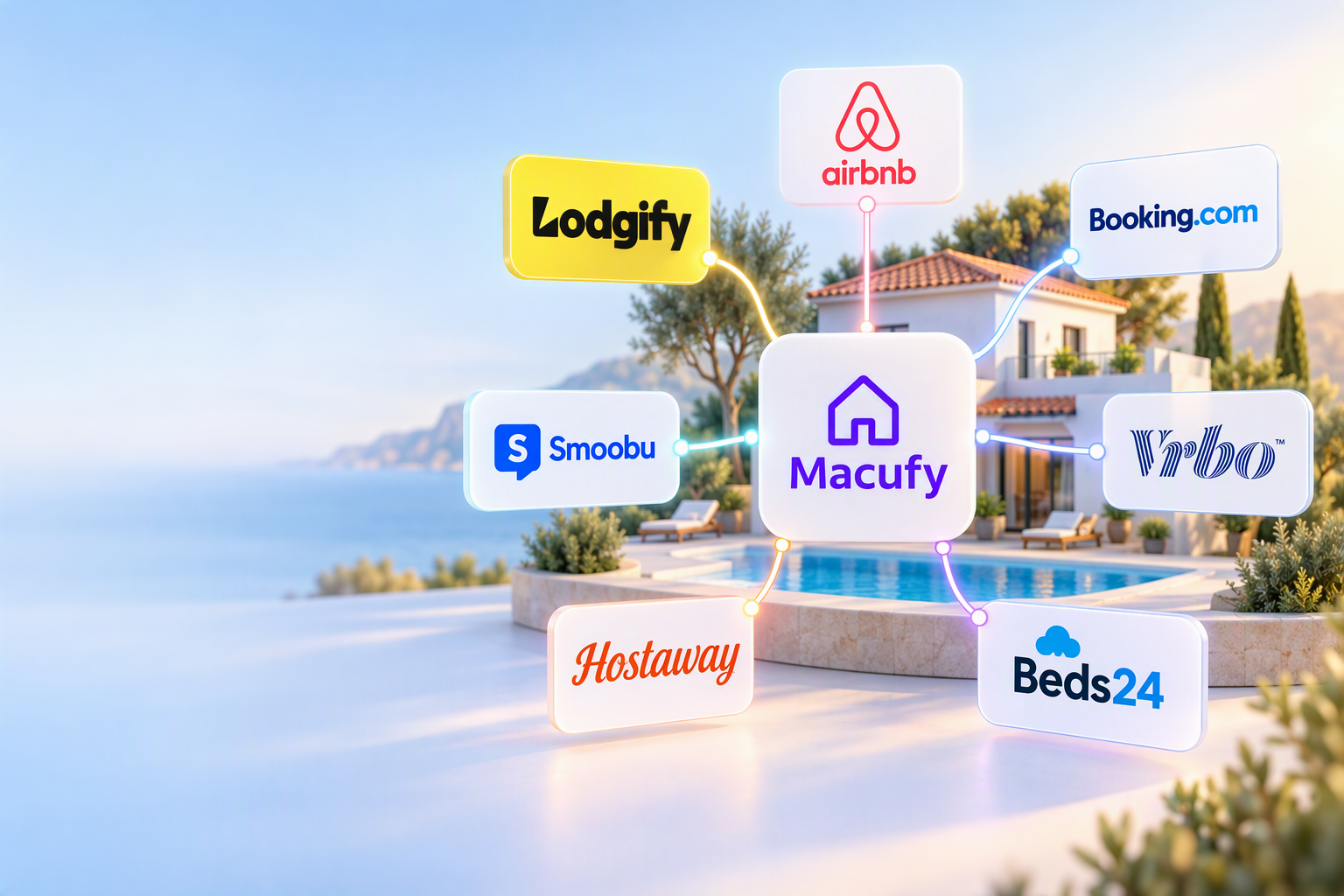
If you manage holiday rentals with Lodgify, Smoobu, Hostaway or Beds24, we have good news: from today, you can connect your account with Macufy in just a few minutes and automate everything that happens between booking and guest check-out. Online check-in, communication with SES Hospedajes, automated messages, cleaning team alerts and an AI assistant that looks after your guests around the clock.
In this article, we explain what changes with these integrations, how to connect each platform step-by-step and, above all, all the possibilities that open up when your bookings reach Macufy with complete guest details.
Why a PMS integration changes everything
Until now, many hosts connected their properties to Macufy using the iCal calendar from Airbnb, Booking.com or Vrbo. iCal is convenient and universal, but it has a major limitation: it only transmits dates. It does not include the guest's full name, phone number, or real email address. Airbnb and Booking.com only provide an identifier, and Vrbo doesn't even provide that. As a result, with a booking that arrives via iCal, Macufy cannot send the guest the online check-in link or check-in instructions until you manually add their email address.
With a direct integration with your PMS (the property management software you already use), it's a completely different story. Lodgify, Smoobu, Hostaway and Beds24 already receive bookings from all your channels and store the contact details shared with them by the portals. By connecting your PMS with Macufy, those bookings arrive with much more information, allowing automations to work from minute one without copying or pasting anything.
In summary, the integration provides three clear benefits:
Bookings from all your channels in one place. Airbnb, Booking.com, Vrbo, your website and direct bookings all reach Macufy via your PMS.
Guest details to communicate with them. Name, email address and phone number, provided the channel shares them with your PMS.
Automatic synchronisation. Macufy checks for new bookings, modifications and cancellations every 10 minutes.
Which platforms you can connect and what you need
Here are the four available integrations and the details you will need to copy from each platform:
Platform | What you need | Where to find it |
|---|---|---|
Lodgify | API key | Settings → Public API |
Smoobu | API key and API secret | Advanced → API Keys |
Hostaway | Account ID and API key | Settings → Hostaway API |
Beds24 | Invite code (API V2) | Settings → Apps & Integrations → API |
No technical skills required. On the Macufy import screen, when you select your platform, you will see instructions along with a direct link to the provider's official guide in case their menu names or layout change.
How to connect your account step-by-step
The process is the same for all four platforms:
Log into Macufy and open Import properties and iCals.
In the provider dropdown, choose your platform.
Copy the required key from your PMS and paste it into Macufy.
Click Start import. Macufy tests the connection and displays your properties.
Select the properties you want to manage and complete any missing details, such as address or registration number.
From then on, bookings synchronise automatically. Let's look at the details for each platform.
Lodgify
In Lodgify, open the side menu, go to Settings and then Public API. There you will see your API key with a button to copy it. Each Lodgify account has a single key, so if you ever share it by mistake, ask their support team to change it and update it in Macufy.
Smoobu
In Smoobu, go to Advanced → API Keys and click Create New. Give it a recognisable name, such as "Macufy", and Smoobu will display your API key and API secret. Copy both immediately: the secret is only displayed once. Note that key creation is disabled on Smoobu trial accounts; if you are currently in your trial period, you will need to ask their support team to activate it for you.
Hostaway
In Hostaway, go to Settings → Hostaway API and click Create. For partner, select the generic option Hostaway Public API. A pop-up window will open with your Account ID and API key. Keep them safe: the key is only displayed once and expires after 24 months, so when that time comes, simply create a new one and update it in Macufy.
Beds24
Beds24 uses its API V2, which works with invite codes. Go to Settings → Apps & Integrations → API and generate an invite code with read permissions for bookings, personal booking data (read and write) and properties. Paste it into Macufy straight away, as the code expires after a few minutes. Macufy redeems it for its own token, and the connection manages itself from that point on.
What gets synchronised and how often
Once your account is connected, Macufy imports your properties and checks your bookings every 10 minutes. With each check, it incorporates:
New bookings from any channel managed by your PMS.
Changes to dates or guest counts.
Cancellations, which stop receiving messages and alerts.
Contact details for the main guest, whenever the channel provides them.
An important detail: some portals, such as Airbnb, supply PMSs with a platform relay email address instead of the guest's personal email address. Macufy recognises these addresses and does not send anything to them, as those messages would not be delivered. In those cases, the guest receives communication as soon as they complete online check-in or when you add their real email address to the booking.
Everything you can do with Macufy when you connect your PMS
Connecting your PMS is just the start. The real value lies in everything Macufy does with each incoming booking. Here are the features at your fingertips.
Online check-in with AI document recognition
Each booking has its own online check-in link. The guest opens it on their mobile phone, takes a photo of their ID card or passport, and Macufy's artificial intelligence reads the data to complete the form for them. All they need to do next is review it, add any accompanying guests and sign. No more document photos sent via WhatsApp and no more typing in details manually at eleven o'clock at night.
SES Hospedajes and Registradores, without paperwork
Since December 2024, reporting guest data to the Ministry of the Interior's SES Hospedajes system has been mandatory in Spain. Macufy automatically submits this information following online check-in, and also integrates with Registradores so you can comply with current regulations without having to log into official government portals. With your PMS integrated, every new booking enters this workflow automatically without you having to lift a finger.
Automated messages to your guests
Automated messaging is at the heart of day-to-day operations. You can schedule, for each property and in multiple languages:
Online check-in reminders a few days prior to arrival.
Check-in details (directions, key location, access codes), which you can choose to send only after the guest completes online check-in.
Pre-check-out messages containing check-out instructions.
Out-of-hours and holiday messages for your support team.
Each message supports variables that automatically populate with booking details: guest name, check-in/check-out dates, property name, confirmation code or online check-in link. Thanks to your PMS integration, these messages go out automatically even for bookings that previously arrived via iCal without a guest email address.
Out-of-hours replies to protect your response rate
On Airbnb, Booking.com and Vrbo, responding quickly impacts your search ranking and guest trust. With automated out-of-hours messages, your guests receive a reply even if they message you at 3 am or in the middle of Sunday, allowing you to reply at your convenience when you're back online.
24/7 AI Assistant for your guests
This is the major highlight for PRO accounts. Each property can have its own virtual assistant, accessible via a unique link based on your Direct Booking page. You feed it everything guests usually ask (how to check in, Wi-Fi password, how to use the ceramic hob, where to park, recommended restaurants), and the assistant responds using that information, along with booking details and messages you have already sent.
Here is how it works for the guest:
They open the link and verify their booking with their code and arrival date. If the link arrives via your automated messages, these details are pre-filled.
They choose between three options: "I cannot access the accommodation", "I have a medical emergency", or "Other queries".
The assistant guides them step-by-step in their own language.
If the guest cannot gain entry, the assistant guides them using your instructions and, if you have enabled the call option, alerts you via an automated phone call and an email containing the booking details. In a medical emergency, it instantly displays the local emergency services number and the nearest hospitals.
The assistant only serves guests with a verified active booking, session history is retained for one month in the same browser to resume conversations, and all chat logs are saved per booking in your dashboard. To share it, simply add the variable {ai_chat_link_with_booking} to your automated messages.
Internal notifications for your team
It is not just guests who need to stay informed. With internal notifications, Macufy alerts whoever you choose whenever a booking is created, updated or cancelled: your cleaning team, co-host or the person handling key handovers. You can receive alerts via channels such as Telegram and customise text using the same variables as guest messages, ensuring everyone knows which property to attend and on which date.
Inspection and stock control forms
Create checklists to inspect the property's condition after every check-out: check if towels are missing, if coffee or toilet paper need restocking, or if something has broken. Results are tied to analytics, giving you long-term visibility into consumption rates and reordering schedules.
Direct Booking: your own booking website
Each property can feature a public page with a unique URL to receive direct commission-free bookings. You can customise descriptions, house rules (pets, children), contact details and links to other platforms. It also serves as the foundation for the AI Assistant.
Business analytics
All synchronised bookings feed data straight into your dashboard: occupancy, revenue, expenses and performance by property. Having bookings from all your channels in one place gives you the complete picture.
AI-powered reviews and extra revenue
PRO accounts can also generate guest reviews in two clicks using artificial intelligence, as well as offering paid add-ons during bookings, such as airport transfers, a welcome hamper or late check-out.
iCal vs PMS integration: what changes
If you have been using iCal until now, this comparison highlights the difference:
Feature | With iCal | With Lodgify, Smoobu, Hostaway or Beds24 |
|---|---|---|
Booking dates | Yes | Yes |
Guest name | No or incomplete | Yes, if shared by the channel |
Guest email and phone | No | Yes, if shared by the channel |
Automated booking messages | After adding email manually | From minute one |
Bookings from all channels | One calendar per portal | All managed by your PMS |
Setup | One link per property and portal | One key for the entire account |
If you only work with a single portal and a few properties, iCal remains a valid option. But if you already use a PMS, connecting it directly saves you hours of work every week.
A typical day with your PMS connected to Macufy
Imagine you manage a coastal apartment via Smoobu. Here is how a booking unfolds from start to finish:
Monday, 10:03 am. A guest books on Booking.com. The booking enters Smoobu and, in under 10 minutes, appears in Macufy with their name and contact details.
Monday, 10:12 am. Your cleaning team receives an alert with the stay dates.
Three days before arrival. The guest receives an online check-in reminder. They take a photo of their ID card, AI populates the details, and they sign on their mobile phone.
Upon completing check-in. Macufy submits the data to SES Hospedajes and sends the guest check-in instructions alongside the link to their AI Assistant.
Friday, 11:40 pm. The guest cannot find the key lockbox. They open the assistant, which explains where it is. Still unable to find it, they click "I still cannot access", triggering an alert call to your phone.
Check-out day. Check-out instructions are sent automatically, and after cleaning, the inspection checklist records what needs restocking.
You only had to step in once, and only because it was necessary.
Frequently asked questions
Do I have to stop using my PMS?
No. Macufy does not replace Lodgify, Smoobu, Hostaway or Beds24: it builds on top of them. Your PMS continues to manage channels, pricing and availability, while Macufy handles everything surrounding each booking: check-in, guest registration compliance, messaging and team coordination.
Can I connect multiple accounts or combine a PMS with iCal?
Yes. You can add multiple import keys and combine properties sourced from your PMS with others connected via iCal. However, make sure to connect each property through a single method to prevent duplicate bookings.
Does Macufy modify anything in my PMS?
Macufy only reads your properties and bookings to process them. It will not alter your prices, availability or channel settings.
What happens if the key stops working?
This can happen if you delete it within your PMS or if it expires, such as Hostaway keys after 24 months. Simply generate a new key in your PMS and re-enter it on the import screen.
Is it safe to share my key with Macufy?
The key is securely stored against your account and used solely to read your property and booking data. Treat it like a password: do not share it via email or publish it anywhere. If you suspect it has been compromised, revoke it in your PMS and generate a new one.
Are integrations included in all plans?
PMS integration and core automations are available to get you started. Features such as the AI Assistant, AI reviews and extra revenue options are part of PRO features. You can check updated details on our pricing page.
What if I use another PMS not listed here?
Let us know! We are continuously expanding our integration library, and user requests guide our development roadmap. In the meantime, you can connect your properties using iCal feeds from Airbnb, Booking.com or Vrbo.
Get started today
If you already work with Lodgify, Smoobu, Hostaway or Beds24, connecting your account with Macufy takes under five minutes. Log into your dashboard, go to Import properties and iCals, select your platform and paste your key. As soon as your next booking arrives, you will watch check-in, guest registration and messaging run on autopilot.
And if you don't have an account yet, sign up for free at Macufy and start automating your holiday rental today. Fewer repetitive tasks, better-served guests and more time for what truly matters.